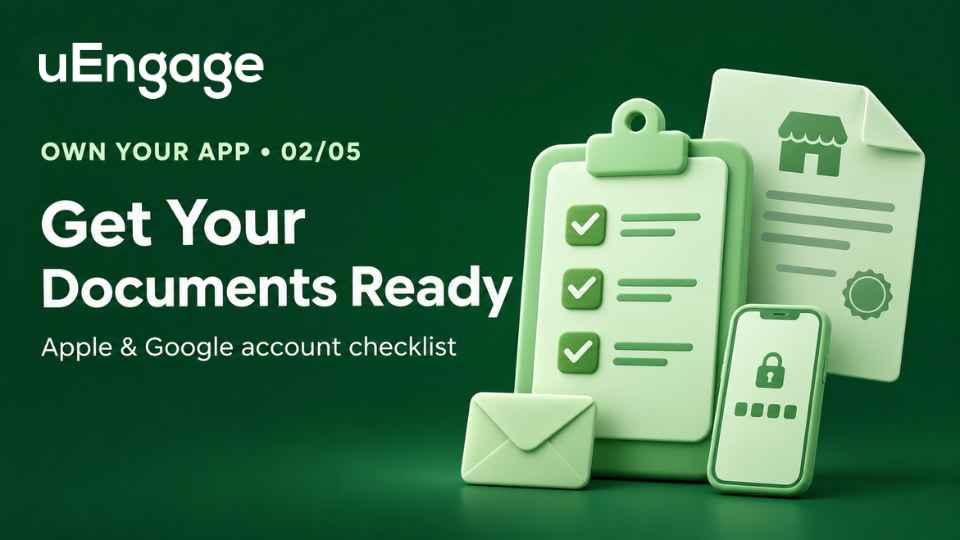
Series label: Own Your App · Part 2 of 5
Intro:
Before you open your restaurant’s Apple Developer or Google Play Console account, get your business information in one place. A difference between your registration documents, D-U-N-S record and account details can lead to additional verification.
Use this checklist to prepare the names, documents, contact details and payment methods you will need before starting either application.
Most delays in opening a store account come from details that don't match. Spend ten minutes on this checklist first and the sign-ups go smoothly.
1. Your exact legal business name
Use the name on your GST certificate or company registration, letter for letter. For example, "Sharma Foods Private Limited", not "Sharma's Kitchen".
A brand or trade name is not accepted as the account name. The legal name is shown to customers as the app's publisher.
Use the same spelling and address in every form. A small difference can cause a rejection.
2. The person who signs up
Choose someone who can legally sign for the business: an owner, director, partner, or a senior person the owners have authorised.
Apple asks you to name a reference who can confirm their authority if they are not an owner or founder.
They sign up with their real legal name, not a nickname or a company name, and keep their government photo ID handy.
3. An email address and phone number you will keep
Apple recommends an email on your business domain, for example
name@yourbrand.com. A personal address can slow approval.Use a shared business inbox the owners can always reach, not one employee's personal account.
Turn on two-step verification for the Apple Account. Apple requires it.
4. A working business website
Apple needs a public, working website for your organization. A social media page, a one-page placeholder, or a domain-registrar parking page is not accepted.
Google may also ask you to prove you own your website. Keep access to it, or know who manages it.
5. A D-U-N-S number (companies and LLPs)
This is a free 9-digit business ID from Dun & Bradstreet. Apple and Google both use it to confirm your company is real. A new number can take up to 5 business days from Dun & Bradstreet, plus up to 2 more for it to reach Apple, so start early. Part 3 shows how.
6. Money for the fees
Apple: US$99 a year, shown in rupees when you pay.
Google Play: a one-time US$25. Prepaid cards are not accepted.
Pay with a card or payment method in the name of the person or business signing up.
7. An Apple device
In India, you open the Apple Developer account in the Apple Developer app on an iPhone or iPad. Borrow one if you don't have one. You can return it when you finish.
Quick checklist
Legal name and address, same on every document
GST certificate or company registration
Signer's government photo ID
Business email, phone, and website
D-U-N-S number, if you are a company or LLP
Payment method for US$99 and US$25
An iPhone or iPad for the Apple sign-up
Sole proprietors and single-person businesses
You don't need a D-U-N-S number. Apple lists you as an Individual under your own legal name, so your personal name will appear as the publisher. Ask your app partner which account type fits before you pay.