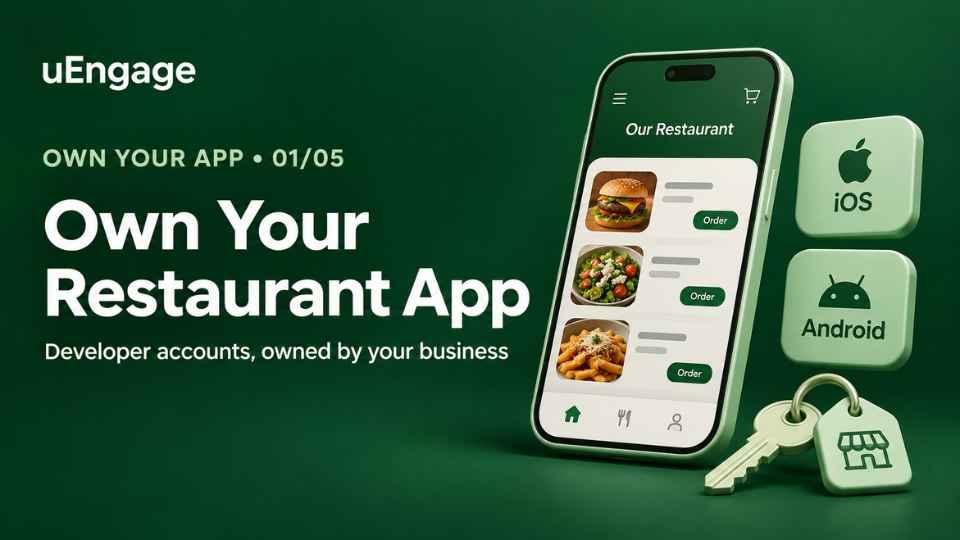
Series label: Own Your App · Part 1 of 5
Intro:
Your restaurant’s app gives customers a direct way to browse your menu, place orders and return to your brand. Before it reaches the App Store or Google Play, there is one important decision to get right: who controls the developer account used to publish it?
Your app partner can build and maintain the app, while your business controls the store accounts. This guide explains why that matters, which accounts you need and what to prepare before getting started.
Why your restaurant should control its app store accounts
1. Meet Apple’s submission requirements
Apple’s App Review Guideline 4.2.6 says apps created through commercial templates or app-generation services must be submitted directly by the provider of the app’s content. For a restaurant’s branded app, publishing through the restaurant business’s account supports this requirement. The app must still meet Apple’s other review guidelines. developer.apple.com
2. Keep control when your app partner changes
When your business controls its developer accounts, you can manage who has access to your app listing and publishing tools.
Your app partner can receive the permissions needed to work on the app. If that relationship changes, your business can review or remove their access.
3. Keep the seller details connected to your business
For an Apple organization account, the legal entity name appears as the seller. For an Individual account, the person’s legal name appears.
Google Play allows a public developer name that can differ from the verified legal name. This is separate from the business information required for verification.
Why this matters
Apple expects the business to publish its own app. Apps made from a shared template are reviewed more strictly, and Apple prefers the business itself to be the publisher.
You own it. Your app, its ratings and reviews, and your customers stay with your business, whoever builds or updates it for you.
It looks trustworthy. Customers see your restaurant's name as the publisher, not a software company's.
What you need to do
Open an Apple Developer account in your business name.
Open a Google Play Console account in your business name.
Give your app partner access, so updates can be published without sharing your passwords.
You do this once. Your app partner can guide you through the steps.
What it costs
Store | Fee | How often |
|---|---|---|
Apple Developer Program | US$99 (shown in rupees at checkout) | Every year |
Google Play Console | US$25 | One time |
You pay these fees directly to Apple and Google. Prices can change, so check the amount on the store's own page before you pay.
What to get ready first
Your business's exact legal name and address, as on your GST certificate.
The person who can sign for the business, with their government photo ID.
A D-U-N-S number if you are a company or LLP. It is a free 9-digit business ID. Part 3 shows how to get it.
A phone, an email address and a payment card or Apple balance for the fees.
Which account type fits you?
Private limited company, LLP, or OPC: Organization account.
Partnership firm: Organization account, if the firm has a D-U-N-S number.
Sole proprietor: Apple's Individual account. On Google Play, choose the type that matches your business and follow the prompts.
Not sure? Ask your app partner before you start. Picking the wrong type means starting again.
All the steps in this series
Part 1: Why you need your own accounts (this page)
Part 2: What to get ready
Part 3: Get your D-U-N-S number